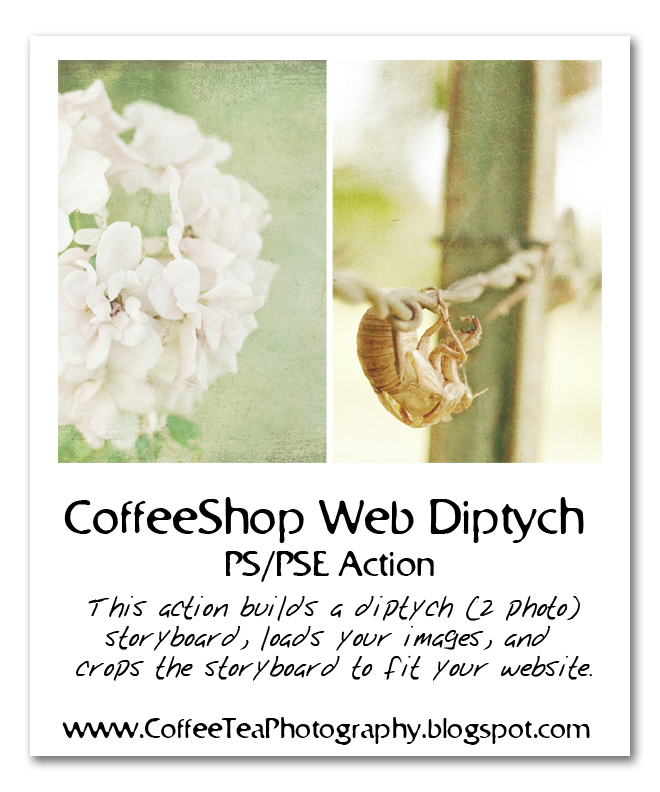
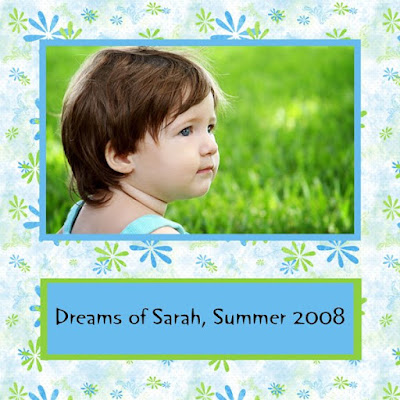
I have both storyboard template image files and storyboard PS/PSE actions. I also have storyboard templates that are "decorated" and not just plain white.
NOTE: I have so many storyboard templates that you might have to click "Older Posts" at the end of each page to see even more storyboards!STORYBOARD TEMPLATES-SIMPLE: These storyboard are image files that you open in your photo-editing program like any other image and insert your own photos in the cutouts via clipping masks, drop and drag underneath, or free transform on top of the openings. These templates are very simple without any special embellishments and are meant to highlight your photography.
You can print or use these templates on your website. Some of these links will also include actions that automatically build and load the templates, so if you just want a template and not an action, be sure to open the .psd, .png, or .jpg file, not the .atn or PSE thumbnail files!
DECORATED TEMPLATES: These storyboard, card, blog header, etc. templates are decorated with various frames, brushes, colors, etc. and are image files only.
STORYBOARD PS/PSE ACTIONS: These links have Photoshop and Photoshop Element actions that automatically build and load storyboard actions, either for printing or the web. They might also include the actual templates, so make sure you load the .atn file with its matching thumbnail (if you have PSE).
STORYBOARD TUTORIALS: If you want to learn how to make your own storyboards or learn how to use clipping masks in storyboards, please check out these tutorials!