Showing posts with label Photoshop Patterns. Show all posts

Wednesday, August 31

CoffeeShop Photoshop/PSE Tutorial: From Vintage Scrap to Seamless Patterned Paper!


Yesterday I posted a beautiful set of 1880's fabric papers I created from an Old Pacific Print Works sample book. I have had several requests to put together a tutorial on how I do this, so here it is!

CoffeeShop Photography Photoshop/PSE Tutorial: From Vintage Scrap to Seamless Patterned Paper:


I found this page in this fabric sample set

I love the rose with gray background fabric sample so I selected it using the Marquee tool and then cropped it out (Image<Crop).


This is the selection.


I pressed Ctrl-T to free-transform the fabric scrap and pulled out the selection on all corners to remove most of the rough edges.


Then I used both the spot healing and clone brush to fix the white edges.


To make this into a seamless pattern I applied the Offset filter (Filter<Other<Offset).


Click Wrap Around and then adjust the Horizontal and Vertical sliders until you can see seams that were originally the edges of the image.


I have circled both the horizontal and vertical seams above. These will have to be blended in so they won't be obvious in this pattern.


I used the spot healing and clone brush to fix the pattern. 

There was some reddish stain on part of the background so I cloned a clean gray background over it. I also remove some extra little flowers and added back leaves that had been cut off. 

These isn't really any tricks to making a nice pattern in this case other than knowing how to clone and heal. It can take some time, but worth it to get a perfect seamless pattern.


After you finish, then run another Offset filter with new settings on it to make sure you don't see any seams. If you see anything that looks off, clone or heal it.

If you are using Photoshop Elements, make a pattern of this scrap (Edit<Define Pattern) and apply this pattern on a new blank paper (I made mine 12 by 12 inches). If you see any blank or weird looking areas, just clone some flowers or other design elements over the original pattern and save this new version and check it again. Continue to do this until you are satisfied with your pattern.

If you have Photoshop Elements you are done! If you have Photoshop then read on to learn a nifty trick to simplify pattern making.


Photoshop only: If you have a newer version of Photoshop, now they have this amazing feature called Pattern Preview (View<Pattern Preview). If you check this and zoom out you can see how your pattern will look once applied to a larger area. 

The original pattern will have a blue box around it. You can spot heal or clone anywhere on the pattern and see live what is happening. Just make sure your changes are on a new layer on top so you can edit them.


I made a new layer and cloned a rose in the middle.


I free-transformed the rose to flip it and then used the erasure tool to remove any extra that was covering my original pattern.


Here is the finished seamless pattern paper. It looks great, you would never know I started with a dirty little fabric scrap.

If you have any questions please  leave a comment below! And if you have any photo-editing or graphic designs tutorial suggestions, please let me know. 

Do you want to download thousands of professional CoffeeShop PSE/Photoshop actions (including exclusive ones not found anywhere for free), textures/overlays, scrapbooking papers, clip art/design elements, photo storyboards and frames, and Lightroom presets from this site in one convenient zipped file AND help support this one-woman blog? 

 Just click here for my CoffeeShop Mega Download Pack!
Tuesday, August 30

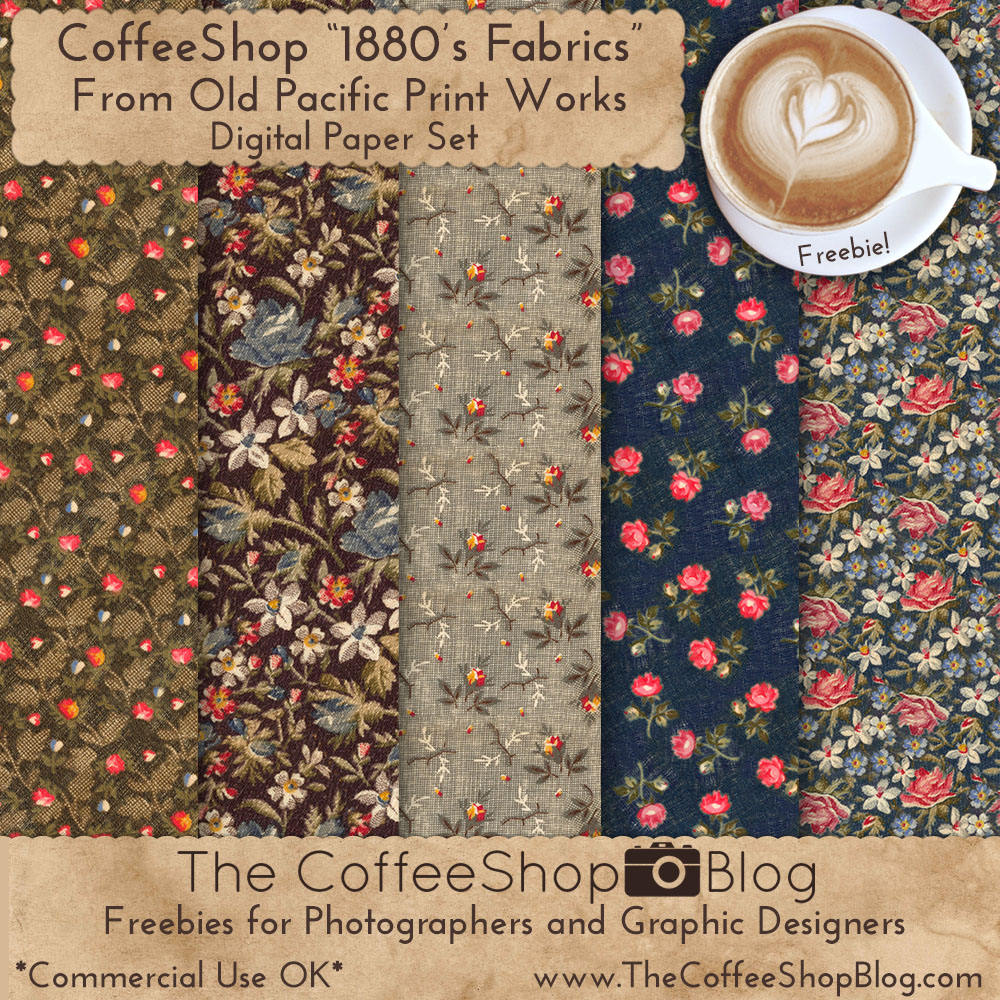
CoffeeShop "1880's Fabrics from Old Pacific Print Works" Digital Paper Set!


I came upon this gorgeous printer sample book of 1880's fabrics from Old Pacific Print Works and decided to create a digital fabric paper set using the small fabric samples. I LOVED doing this project, it was so satisfying!

Not only does this set include 5 high-resolution 12 by 12 papers, it also contains all five fabric Photoshop/PSE patterns so you can use them in your own designs.

I used the fabric scrap on the page below to create the gray floral fabric paper. 


I turned it into a seamless pattern in Photoshop and then made a 12x12 paper from the pattern. 

If you want to learn how I do this, leave a comment below and I will write up a tutorial. NEW: The tutorial has been written, find it here!

This is what I  ended up with once I made the pattern and created the paper. I zoomed in so you can see the detail. This paper is my favorite of the set. 


I hope you love these papers as much as I do!


Do you want to download thousands of professional CoffeeShop PSE/Photoshop actions (including exclusive ones not found anywhere for free), textures/overlays, scrapbooking papers, clip art/design elements, photo storyboards and frames, and Lightroom presets from this site in one convenient zipped file AND help support this one-woman blog? Just click here for my CoffeeShop Mega Download Pack!

Wednesday, August 3

CoffeeShop "1910 Made in USA Fabric" Digital Paper Pack!


So how has it been going for you this week? The boys will be in an advanced Cyber Air Patrol-hosted Cyber Security camp all week learning how to ethically hack among other things.Both boys are enjoying the camp, so who knows, I might have a future ethical hacker in my family! 

While they are doing that I am getting some work done on the computer and getting some end-of-summer errands finished. I am finalizing our homeschool curriculum (we do some school over the summer too) and I am really excited for all of the new things on our plates. I can't believe Luke is a senior this year. He has a full schedule, lots of math/science/computer science. The boys and I have even started taking a Western Philosophy course which has been really interesting. And they are enjoying PE which is playing pickle ball. We love that sport so much!

OK, I have to finish up this post. I have Gooney the cockatiel trying to eat my mouse pad, a very dusty first floor with wilted plants, and my dryer is beeping at me. I finished drying the clothes 3 days ago, promptly forgot about them, and had to throw in a wet towel this morning to de-wrinkle them. The boys washed a load yesterday that is sitting in the washing machine which I had to rinse a few minutes ago to make sure they weren't musty. I need to get my act together.

Today I wanted to share a paper pack of fabric samples from 1910 made in the USA. These are gorgeous textured velvets. I also included a Photoshop/PSE pattern so you can use them on your own designs. They come with free commercial terms-of-use.


Do you want to download thousands of professional CoffeeShop PSE/Photoshop actions (including exclusive ones not found anywhere for free), textures/overlays, scrapbooking papers, clip art/design elements, photo storyboards and frames, and Lightroom presets from this site in one convenient zipped file AND help support this one-woman blog? 

Just click here for my CoffeeShop Mega Download Pack!

Tuesday, June 21

CoffeeShop "Redoute Roses" Digital Paper Set and Pattern


It is so freaking hot here! Yesterday we set a record for June and it was 102F, and that wasn't even the heat index.  And we are also going through a drought. I am hesitant to pray for rain because the best rains we get down here during the summer are from hurricanes and tropical storms and no one wants that. Hopefully the hot, dry weather will break soon, but like I said, it is only June so we are in for a long hot summer. On a positive note, we have no mosquitoes in our yard!

Today I wanted to share a digital paper pack and Photoshop/PSE pattern I made last week. This download is a pretty set with free commercial terms-of-use that features roses. I hope you enjoy using them. 


Do you want to download all of my favorite professional CoffeeShop PSE/Photoshop actions (including exclusive ones not found anywhere for free), textures, papers, clip art/design elements, storyboards, and Lightroom presets in one convenient zipped file AND help support this blog? Just click here for my CoffeeShop Mega Download Pack!

Thursday, January 27

CoffeeShop "19th Century Florals" Paper and PS Pattern Set!


I have another pretty victorian flower paper pack and Photoshop/PSE pattern to share with you today made from this design

I love the colors and stripes in this pack. They would be really pretty used in Valentine Day or spring designs. Like all of my designs on this blog, they come with  free commercial terms-of-use.


Do you want to download all of my favorite professional CoffeeShop PSE/Photoshop actions (including exclusive ones not found anywhere for free), textures, papers, clip art/design elements, storyboards, and Lightroom presets in one convenient zipped file AND help support this blog? Just click here for my CoffeeShop Mega Download Pack!

Monday, January 24

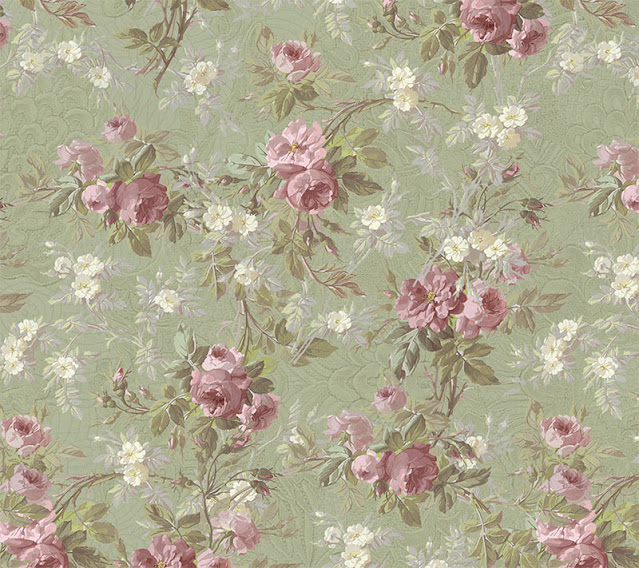
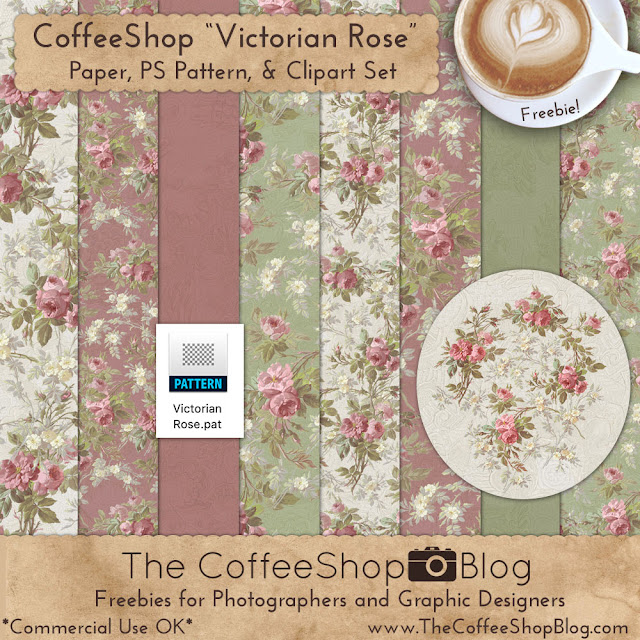
CoffeeShop "Victorian Rose" Paper, PS Pattern and Clipart Set!


My Photoshop program has been slowing down so much it was driving me crazy. I did an online search and implemented most of the suggestions and nothing really helped until I read that it is often necessary to clean out your patterns and brushes. 

I went and opened my patterns and I had so many it was crazy! I make a lot for this blog and my job at The Graphics Fairy, and I never delete them. I usually have several for each pattern as I edit them, and I never remember to delete the early ones. So I did a huge clean-out of patterns and brushes I don't use or don't have a need for anymore and Photoshop is fast once again. I feel like a kid in the candy store, and realize I am a huge nerd...

I have a few more Valentine-inspired freebies to share this week; a storyboard set, print, and today's beautiful textured Victorian Rose pack. This set includes 8 papers, the rose clipart I made from this design, and the rose Photoshop/PSE pattern I used on these papers. I still have this  pattern in Photoshop, but I did delete the 4 or 5 ones that proceeded the final design. ;-)

The detail is amazing and I added a pretty texture to make them look like flocked wallpaper. I hope you love them as much as I do! And they come with free commercial terms-of-use.


Do you want to download all of my favorite professional CoffeeShop PSE/Photoshop actions (including exclusive ones not found anywhere for free), textures, papers, clip art/design elements, storyboards, and Lightroom presets in one convenient zipped file AND help support this blog? Just click here for my CoffeeShop Mega Download Pack!

Monday, January 17

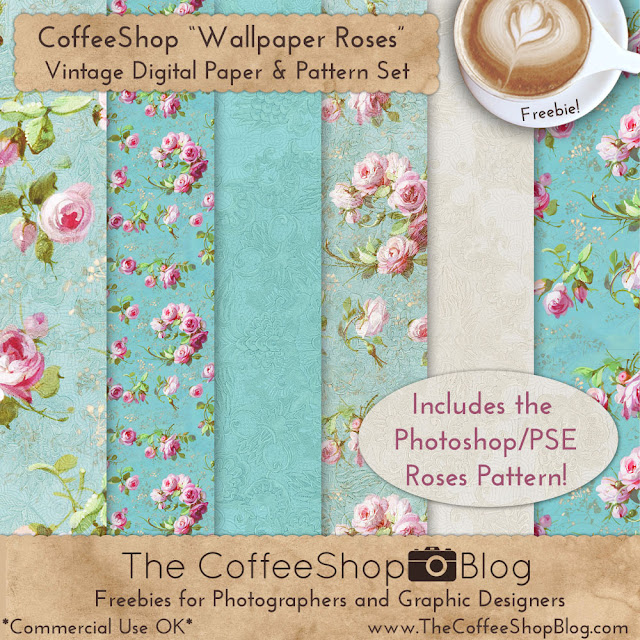
CoffeeShop "Wallpaper Roses" Paper and Pattern Pack!


This week I plan to post one new Valentine-inspired freebie every day. I want to post them now so you have time to use them in your own designs before Valentine's Day is passed. 

Today I am sharing a set of vintage rose digital papers that I made using this gorgeous sample. If you are a fan of victorian roses you will love this set! I also included the Photoshop/PSE rose pattern I made from the wallpaper scrap so you can make your own designs with it.

I will post a step-by-step tutorial on how I made this pattern in a future post.

Do you want to download all of my favorite professional CoffeeShop PSE/Photoshop actions (including exclusive ones not found anywhere for free), textures, papers, clip art/design elements, storyboards, and Lightroom presets in one convenient zipped file AND help support this blog? Just click here for my CoffeeShop Mega Download Pack!
Wednesday, April 7

CoffeeShop "Pierre-Joseph Redouté" Flower Paper Set!


I am so happy, I finally feel like designing again! The last months have been overwhelming and I struggled to create, but lately I can't wait to get on my computer to make things for this blog. I have really missed blogging here and I am glad to be back.

Today I wanted to share a free set of digital papers made using flowers illustrated by Pierre-Joseph Redouté. I found the original designs here and isolated and edited the flowers in Photoshop and then applied a pretty painterly effect. I also included the seamless pattern I used to make these papers so you can use it in your own designs.

I layered one of my letter overlays in these paper designs. I also included a matching set of striped paper for each flower paper.


Tomorrow I will post the high resolution flower set I used to make these papers so that you can use them in your own designs. Both these papers and the flower designs come with free commercial terms of use, so feel free to use them anyway you want. I just ask that you don't post for download or sell them "as is", I want to keep them free on my blog.


Do you want to download my favorite CoffeeShop PSE/Photoshop Actions and Lightroom Presets or Design Elements in one convenient zipped file AND help support this blog? Just click here for my action pack or here for all the actions/presets and professional design elements, storyboards, and textures.

Tuesday, December 4

CoffeeShop "Christmas Penguins and Snowmen" Digital Paper and Pattern Set!


I just realized I need to get my Christmas designs out there before it is too late. We haven't even decorated our tree, hung lights on our house, or finished our Christmas shopping. This month is just flying by already and I have so much to get done!

Today I have a cute little Christmas Penguin and Snowman digital paper set and Photoshop/PSE pattern you can use to design your own custom designs. These papers and patterns can be used commercially, no attribution necessary.

Original designs (snowman, penguin).

Download the CoffeeShop "Penguins and Snowmen" Digital Paper and Pattern Set!

Do you want to download my favorite CoffeeShop PSE/Photoshop Actions and Lightroom Presets or Design Elements in one convenient zipped file AND help support this blog? Just click here for my action pack or here for all the actions/presets and professional design elements, storyboards, and textures.

For complete info on installing all of my actions, click here.


More from Rita:
Facebook | Instagram | Pinterest | Twitter

Monday, May 14

CoffeeShop "Camellia Flower" Digital Paper and Photoshop Pattern Pack!


Hello there and Happy Monday??? 

OK, I am the first to admit I am not ready to get back to work. And Happy belated Mother's Day to those of you who are mothers, know mothers, or have a mother. I received a new dishwasher yesterday on Mother's Day as our old one finally died. We have been nursing it along for 6 years... Paul spent several (painful) hours installing the new one yesterday. We were going to have it installed by a professional, but we would have to wait for almost a week and we just weren't that patient, plus we saved major bucks doing it on our own. Was it worth it? Probably not if you ask Paul. ;-)

So it was an OK day since the water was turned off and I couldn't do laundry and had to order out for lunch. And now I can stop hand-washing all of my dishes, so that is another plus! 

I hope you had a great weekend with your loved ones.


Today I have a brand new digital paper pack and Photoshop pattern to share with you. I am posting a tutorial later this week showing you how to make papers using my patterns. I have many other free papers and patterns on this page. I am also working on an action to use on your favorite underwater images that are too blue and low contrast. It should be out later this week.


Do you want to download my favorite CoffeeShop PSE/Photoshop Actions and Lightroom Presets or Design Elements in one convenient zipped file AND help support this blog? Just click here for my action pack or here for a download of some of my most popular design elements, storyboards, and textures.

For complete info on installing all of my actions, click here.


More from Rita:
Facebook | Instagram | Pinterest | Twitter

Tuesday, April 24

CoffeeShop "Azalea" Digital Paper Pack and Photoshop Pattern!


I hope you are having a good week so far. The weather has been gorgeous and we have been spending as much time outside as possible, but I made time to put together a new spring-inspired digital paper pack called "Azalea". This one comes with eight 12x12 high-resolution digital papers and the Photoshop/PSE pattern I designed to make them.

These papers and pattern can be used anyway you want, personally or commercially. Use the included pattern to create your own azalea papers. I will post a tutorial on tricks and tips on how I use them this week. These papers would look amazing on storyboards, greeting cards, custom paper boxes, website backgrounds, Facebook covers, etc. Have fun with them!


I would love to see what you do with them, so please don't hesitate to post images of your own work over on my Facebook page. And if you love these papers check out my "Cherry Blossom" set.

I used gorgeous azalea designs from the "Azalea Florals" set at (affiliate linkThe Graphics Fairy Premium Site.


Download the CoffeeShop "Azalea" Digital Paper Set!

Do you want to download my favorite CoffeeShop PSE/Photoshop Actions and Lightroom Presets or Design Elements in one convenient zipped file AND help support this blog? Just click here for my action pack or here for a download of some of my most popular design elements, storyboards, and textures.


More from Rita:
Facebook | Instagram | Pinterest | Twitter

Thursday, April 19

CoffeeShop "Cherry Blossom" Digital Paper Pack and Photoshop Pattern!


I love this time of year! It isn't hot yet, everything is freshly green, and flowers are blooming everywhere.

Because I am in a Spring mood, I put together this gorgeous Cherry Blossom paper set to share with you today. It contains eight 12x12 high resolution custom digital papers and the Photoshop/PSE  pattern I created to make them

People usually just apply a pattern one time, but there is a little design trick you can use with this type of pattern. Run it a few times on top of your background at different sizes and you can fill the page with gorgeous blooms! I did this with a few of the papers included in this pack.


I used gorgeous cherry blossom designs from the "Cherry Blossoms" set at (affiliate link) The Graphics Fairy Premium Site.


Download the CoffeeShop "Cherry Blossoms" Digital Paper Set!


Do you want to download my favorite CoffeeShop PSE/Photoshop Actions and Lightroom Presets or Design Elements in one convenient zipped file AND help support this blog? Just click here for my action pack or here for a download of some of my most popular design elements, storyboards, and textures.

For complete info on installing all of my actions, click here.


More from Rita:
Facebook | Instagram | Pinterest | Twitter

Saturday, March 24

CoffeeShop "Spring Flowers" Digital Paper Pack!


I wanted to get this out before Easter, but you really can use this pack year round. "Spring Flowers" contains six 12x12 inch high resolution digital papers and two editable Photoshop/PSE papers that allow you to customize all colors and backgrounds. You can see examples below.

I LOVE these little flowers!!! 

I used this cute little flower to make these papers and the rest of the patterns are mine and you can probably find the free pattern downloads if you do a search on top. You can also add textures/overlays to these papers to give them a vintage feel.

These papers and patterns, like most everything found for free download on my blog, come with **FREE** Commercial Terms of Use. In other words, you can use them any way you want personally or commercially. In fact, I hope you make money using them! I started this blog because I wanted to post freebies that you can use anyway you want, stress-free.

However, I do ask that you don't sell them "as is". I want to keep them free on my blog. For example, if you change the colors on the flower paper, you can sell it. If you download these papers and then simply repackage any or all of them to sell exactly as-is, that would be against my terms. 


Download the CoffeeShop "Spring Flowers" Digital Paper Pack!

Do you want to download my favorite CoffeeShop PSE/Photoshop Actions and Lightroom Presets or Design Elements in one convenient zipped file AND help support this blog? Just click here for my action pack or here for a download of some of my most popular design elements, storyboards, and textures.

For complete info on installing all of my actions, click here.


More from Rita:
Facebook | Instagram | Pinterest | Twitter

Wednesday, March 21

CoffeeShop "Easter Bunny 2" Digital Paper and PS Pattern Pack!


I can't believe it is almost Easter! I need to get my easter designs posted here before it is too late. I also need to go buy some things to stuff in my plastic Easter eggs for the boys. They still love a good Easter egg hunt.


Today I have a pack of six 12x12 inch Easter Bunny & Spring-themed papers. I used this adorable bunny clipart  and this simple flower to make them. I also included all of the Photoshop/PSE patterns in the download, so you can create you own custom designs using them. These papers and patterns come with free commercial terms-of-use, so use them anyway you want, just don't resell them "as is".

Download the CoffeeShop "Easter Bunny 2" Digital Paper & Pattern Pack.

Do you want to download my favorite CoffeeShop PSE/Photoshop Actions and Lightroom Presets or Design Elements in one convenient zipped file AND help support this blog? Just click here for my action pack or here for a download of some of my most popular design elements, storyboards, and textures.

For complete info on installing all of my actions, click here.


More from Rita:
Facebook | Instagram | Pinterest | Twitter

Monday, February 26

CoffeeShop "Stripes" Custom Digital Paper and Photoshop/PSE Pattern Set!


I am working on a new editing tutorial to share this week, but I really wanted to get this striped paper pattern and psd file out to you today. I had mentioned I would share this pattern in this digital paper post where I used it for the striped papers in the set.

The download link below includes the striped Black&White&Gray pattern you see above as well as a layered Photoshop/PSE psd digital paper file where you can simply click to change the colors to make your own custom-colored papers.

I have two different tutorials below, depending on whether you want to use the pre-made paper file or the Photoshop pattern.

CoffeeShop "Stripes" Digital Paper Tutorial:


I love using DesignSeeds to pick out colors for my designs. I found this gorgeous {Succulent Hues} image from @ROTBLAUGELB there and had to make a striped paper using its colors!

Note: You can use any image opened in Photoshop to grab colors with the eyedropper tool. You can also just pick any color off the Color Fill adjustment pane. 

Open up the CoffeeShop "Stripes" digital paper in Photoshop or PSE.


This is the color the paper comes in originally. I picked out these colors here.


To change each strip color, simply double-click on each Solid Color layer box and click on an image to grab a new color. You can then save each custom paper as a jpg or png file.

CoffeeShop "Stripes" Photoshop/PSE Pattern Tutorial:

You can also use the Photoshop pattern in the download to create you own custom-colored striped papers any size/color you wish. Before making the paper be sure to load the Photoshop "Stripes" pattern in the download!


I usually start with a 10x10 inch or 12x12 inch new document, 240 pixels/inch, with a transparent background.


Then click on "Pattern" in the drop-down menubar in Layers.


The CoffeeShop "Stripes" pattern will be on the bottom of all of the patterns since you just added it. Set the scale to taste. In this case I made it 300% so you could see all of the stripes on your screen.


Right-click on the pattern layer and rasterize it.


This pattern has a transparent background and three different types of stripes in black and grays. You can select each color individually using the Magic Wand (W) and then add a Color Fill adjustment layer. It will add the color only to the selected portions highlighted using the layer mask.

Select any color you want for each set of stripes.

NOTE: If you are having issues selecting a set of stripes, make sure you have clicked to select the original pattern layer or have "Sample all layers" selected in the Magic Wand.


I selected the light gray stripes with the magic wand, added a Color Fill layer, and made them blue.


Then I selected the black stripes and did the same as above, but made them pink.


I selected the darker gray tiny stripes and made them a different blue.


Finally, I added a Color Fill light pink adjustment layer and dragged it to the bottom layer. This is the "background" color.


Go ahead and delete the Pattern layer, you don't need it anymore. You can save this paper as a png or jpg and use it on any of your designs. Or you can save it as a Photoshop psd file in layers so you can go back and edit the colors later.

I hope you have fun using this set!

Download the CoffeeShop "Stripes" Digital Paper and Pattern Pack!

Do you want to download thousands of professional CoffeeShop PSE/Photoshop actions (including exclusive ones not found anywhere for free), textures/overlays, scrapbooking papers, clip art/design elements, photo storyboards and frames, and Lightroom presets from this site in one convenient zipped file AND help support this one-woman blog?

Just click here for my CoffeeShop Mega Download Pack!